Add someone to your team
Invite a colleague by email. The invitation creates their account, and the link signs them in.
Everyone who works in Reva is invited by email. There is no separate step for creating an account — the invitation makes it, and the link in the email signs them in.
Send the invitation
Open Settings, then Team, and press Invite someone.
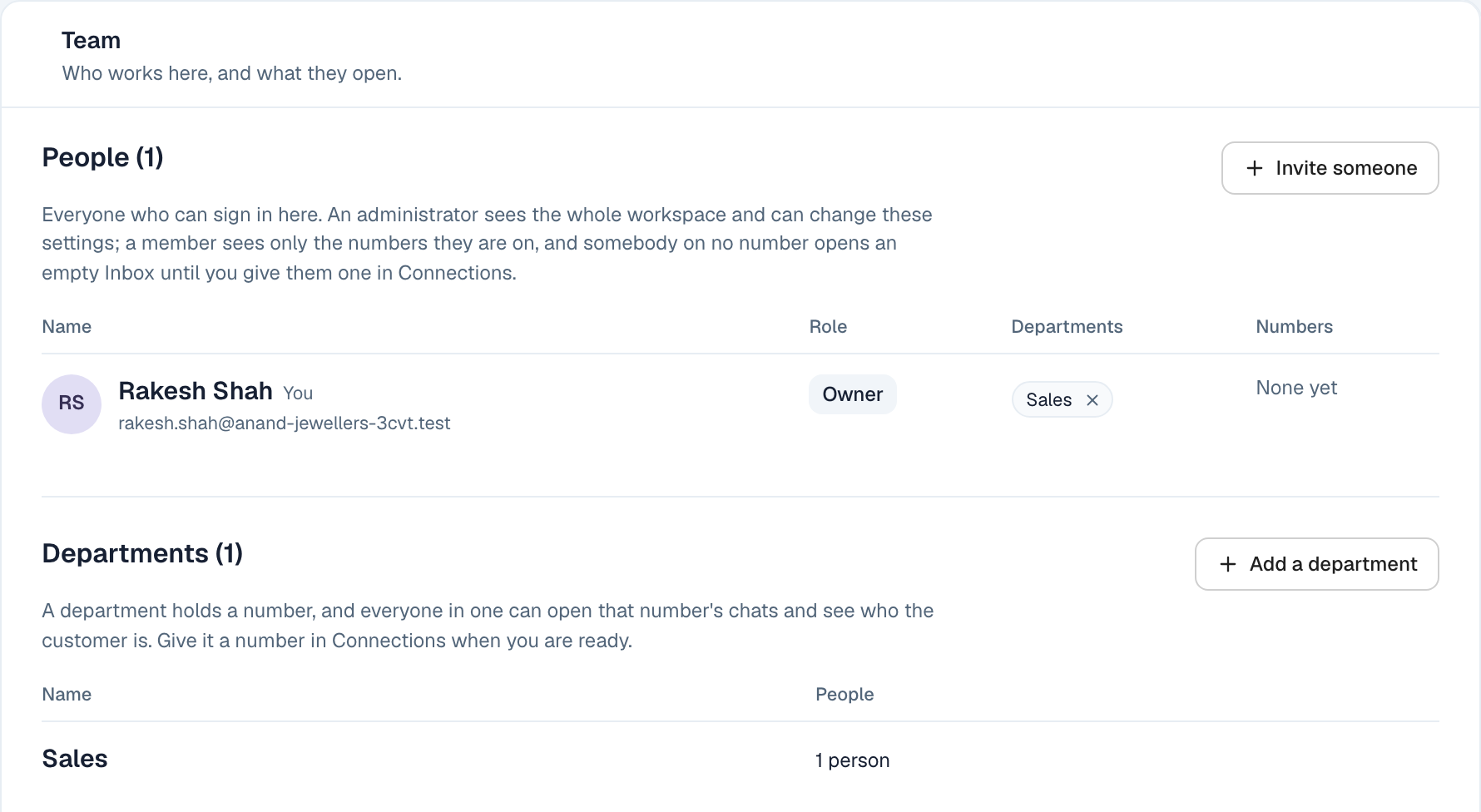
The form opens above the list of people.
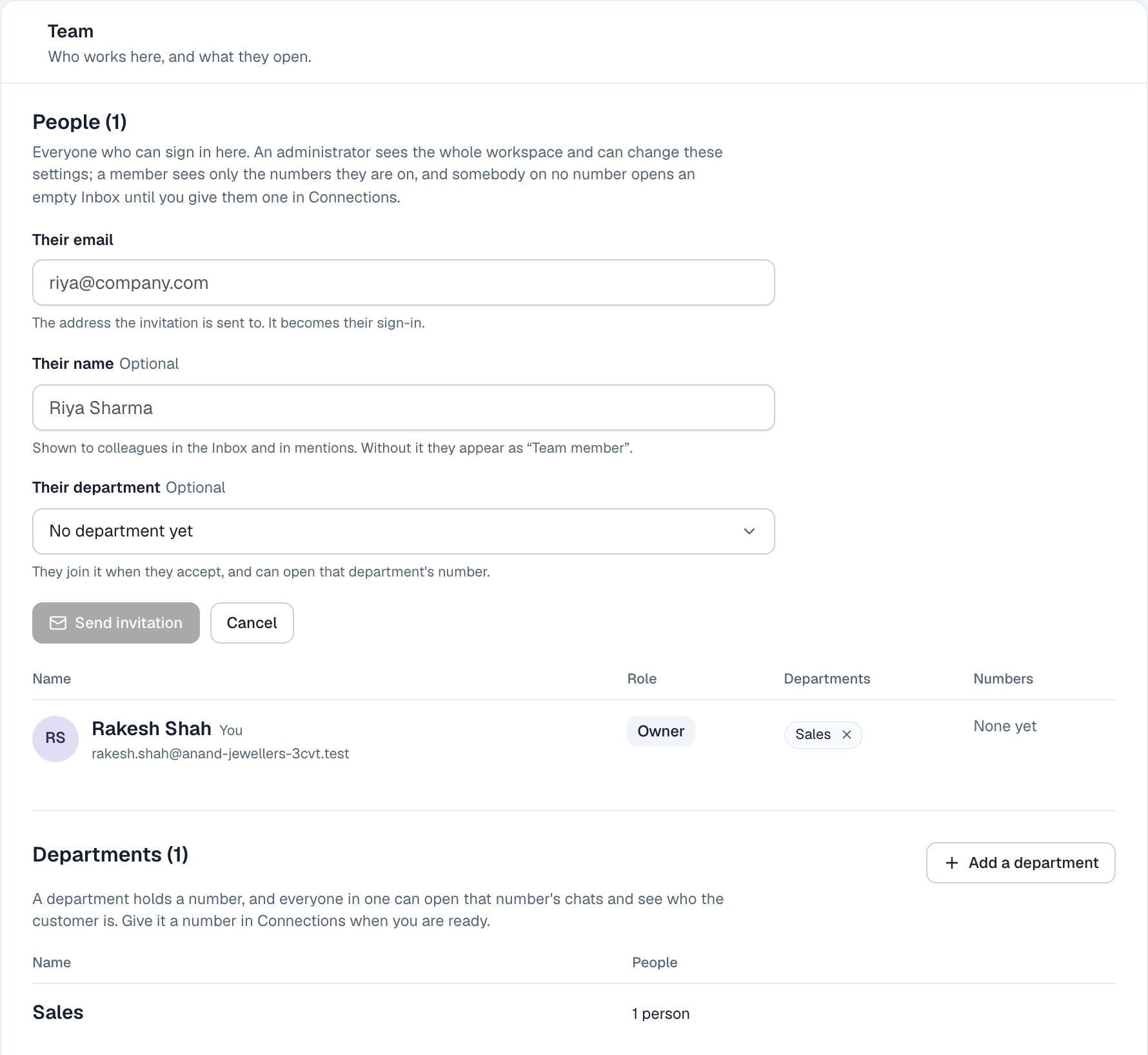
Three things to fill in, and only the first is required.
Their email. The address the invitation goes to. It becomes their sign-in, so use the one they actually read — a personal address they check on their phone is more use than a company one nobody opens.
Their name. Optional, but worth doing. It is what colleagues see in the Inbox and when they are mentioned. Without it they appear as Team member, which is nobody.
Their department. Also optional, and it decides what they can open on their first day. Choosing it now means they arrive able to work. You can add it afterwards from their row instead.
Then press Send invitation.
What they receive
An email with a link. Opening it signs them straight in — they never choose a password, and there is nothing for them to set up.
That is worth knowing because it changes what "lost access" means. If they cannot get in later, they do not need a password reset: they ask for another sign-in link from the sign-in page, and it works on whatever device they open the email on.
Until they accept
The invitation sits in the Team list as pending, with the address it went to. If you sent it to the wrong address, cancel it there and send another. Nothing is created until they open the link.
Owner, Administrator, Member
Most people are Members. A member sees the numbers they are on, and nothing else — no other department's conversations, and no settings.
An Administrator sees the whole workspace and can change these settings, including inviting other people and moving them between departments.
There is one Owner, and that is whoever created the workspace.
Somebody who is on no number at all opens an empty Inbox. That is not a fault — it means they have not been put in a department yet, which is the next thing to do.